Resize option for the custom dashboard header/cover
Completed
I would like to be able to resize and move the cover image used in custom dashboards.
In addition, I would like an option to set a background color for the cover image when the image does not fill the whole area.
0
-
Official comment
We're happy to share that “Cover image controls” is now available to all users.
To add a cover image to your custom dashboard, start by clicking the “Add Cover” icon:
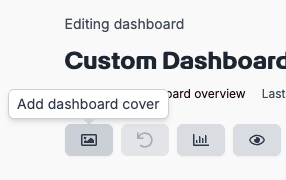
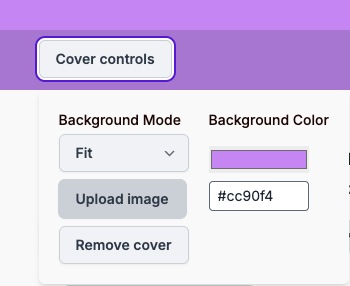
Once clicked, the “Cover controls” will appear, providing you with the option to:
- Upload a background image.
- Fit, fill, repeat, resize or reposition the image.
- Change the background color.
Please sign in to leave a comment.
Comments
1 comment