Ability to filter on conversions/events under website analytics - Acquisition
Completed
We need the ability to filter on specific events in GA in the same way as we are able to to under “Ad Performance - Conversation groups".
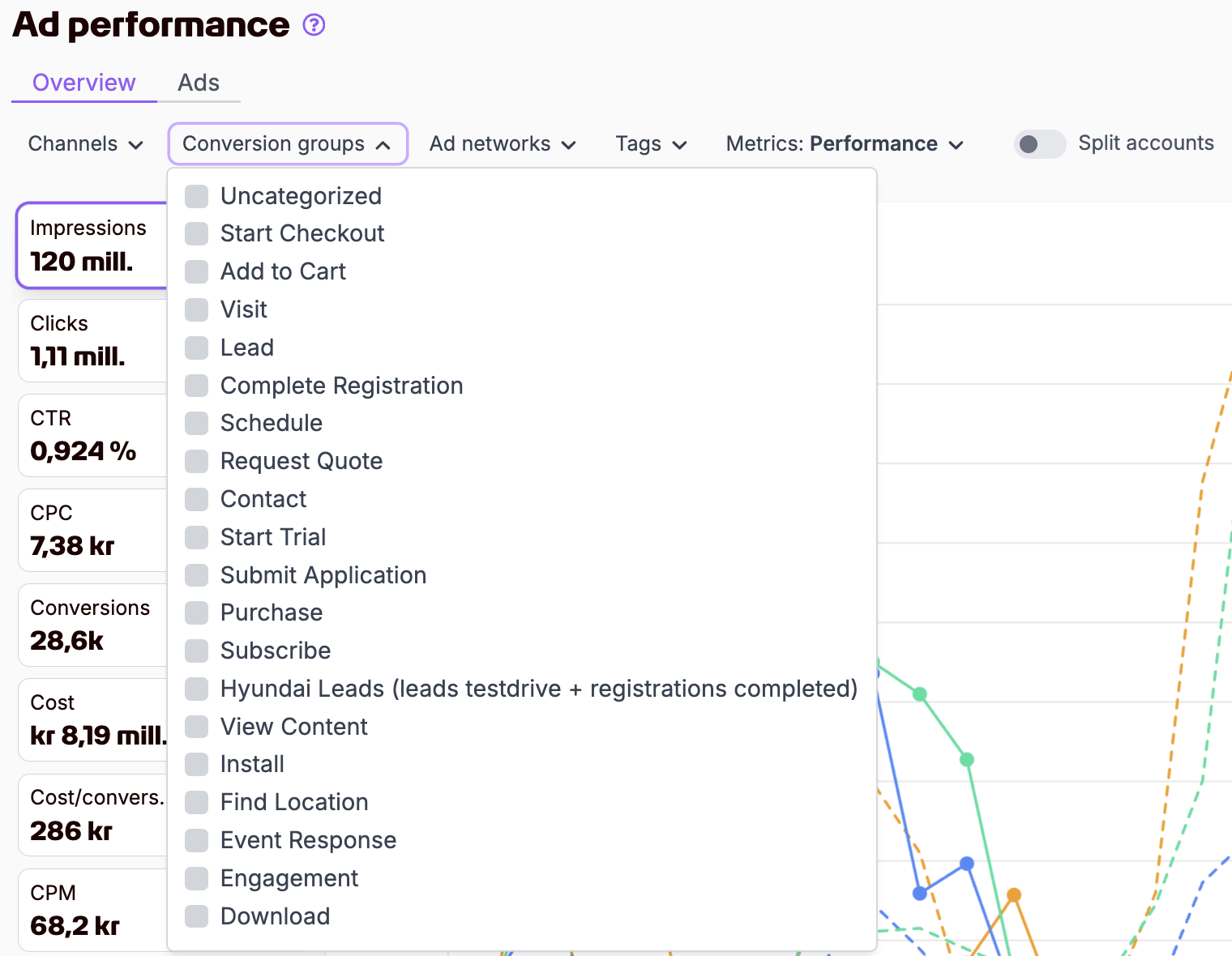
-

Hi Emanuel Broberg,
Thanks for the feedback.
We understand you would like the option to filter and show (a) specific conversion(s), instead of “all conversions” in the Acquistion tab in Website Analytics.
You're probably already aware of this, but please note that you can analyse a specific conversion by navigating to the Conversion tab in Website Analytics: https://app.fyr.ai/website-analytics/conversions.
Clicking the “Inspect” link on any of the conversions will enable you to see all other dimensions effecting that specific conversion count and conversion value (by selecting the dimension you're interested in from the dropdown list in the table).
Please note that only key events are present by default. If you want to inspect an event instead of a key event, you can tick the “Include all events” option, which will load all events into that view.
All the best,
Joakim0
Please sign in to leave a comment.
Comments
1 comment