Adjust the Snapchat Ads Attribution Window

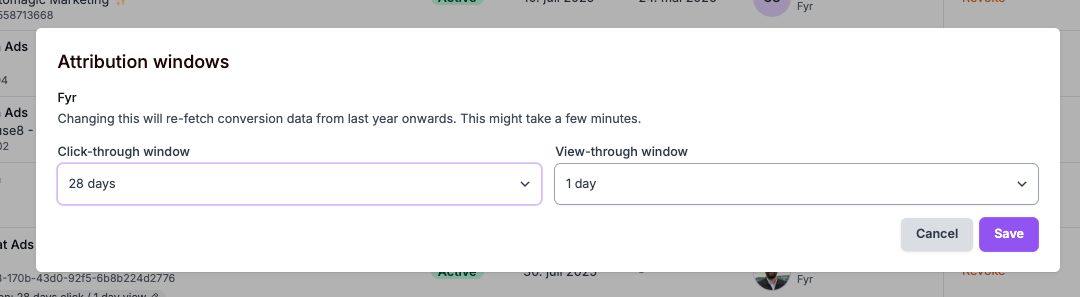
You can now define your preferred attribution window for Snapchat Ads directly within Fyr.
To configure this:
- Navigate to Channels
- Select the relevant Snapchat Ads account
- Click the Attribution field
- Choose your preferred attribution window
Your selected settings will then apply to the account added to Fyr.
0
Please sign in to leave a comment.
Comments
0 comments